October 21, 2026 | MSP | 7 min read
What to Ask Before Adding an AI Employee to Your MSP's Workflow
Your techs didn't sign up to chase quotes. They signed up to fix things. But somewhere between the ticket queue and the end of the day, someone still has to follow up on a proposal that went quiet, flag a renewal before it lapses, and remember to ask a happy client for a review before the next fire starts.
None of that work is hard. It's just constant. And it's the kind of constant that quietly fills a week without ever showing up on a ticket report.
This is usually the point where an MSP owner starts looking at an AI employee for managed service providers and wondering if it actually solves the problem, or just moves it somewhere else.
The Admin Pile That Never Shows Up in Your Ticket Reports
Most MSPs track what they measure: tickets opened, tickets closed, response time, resolution time. What rarely gets tracked is the hour spent drafting a follow-up email, the renewal date someone meant to flag two weeks ago, or the lead that sat in an inbox overnight because everyone was heads-down on a client issue.
None of that shows up in a dashboard. It just shows up as a tired team and a slower pipeline.
An MSP AI employee is not designed to fix client-facing tickets or replace a technician's judgment. It's built for the repeatable administrative layer sitting on top of the technical work, the part that runs on a pattern instead of a diagnosis.

Book a Free AI Strategy Call
What an AI Employee for an MSP Actually Touches Day to Day
At BayksCloud, we build AI Employees and workflow automations around the actual admin load inside an MSP, not a generic template. That means the specific apps your sales, support, and billing already run through, connected one at a time, with your approval built into the process.
Once the right apps are connected and the agent has the information it needs, this is the kind of recurring work it can realistically pick up:
Drafting a follow-up message when a proposal has sat untouched for a set number of days
Flagging an upcoming contract renewal from connected billing or CRM data
Drafting a review request once a project or ticket is marked complete
Pulling together a recurring internal summary for a weekly ops review or a QBR
Sorting and flagging incoming leads so nothing sits in an inbox overnight
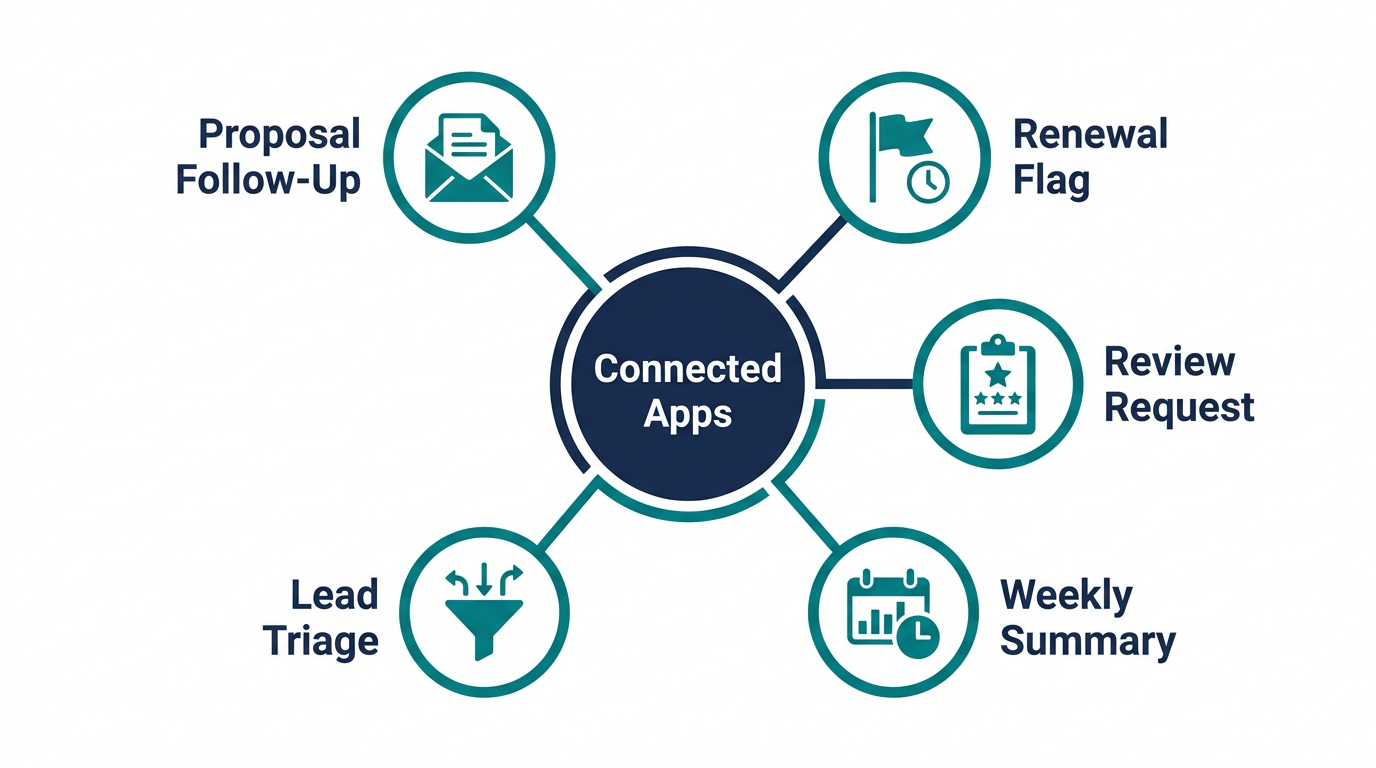
Every one of these depends on the app being connected and the data being available. An AI employee working from no data is just guessing, and guessing is not something we build toward.
Connected Apps Are the Whole Game
This is the part that gets skipped in most conversations about AI employees, and it's the part that actually determines whether any of this works.
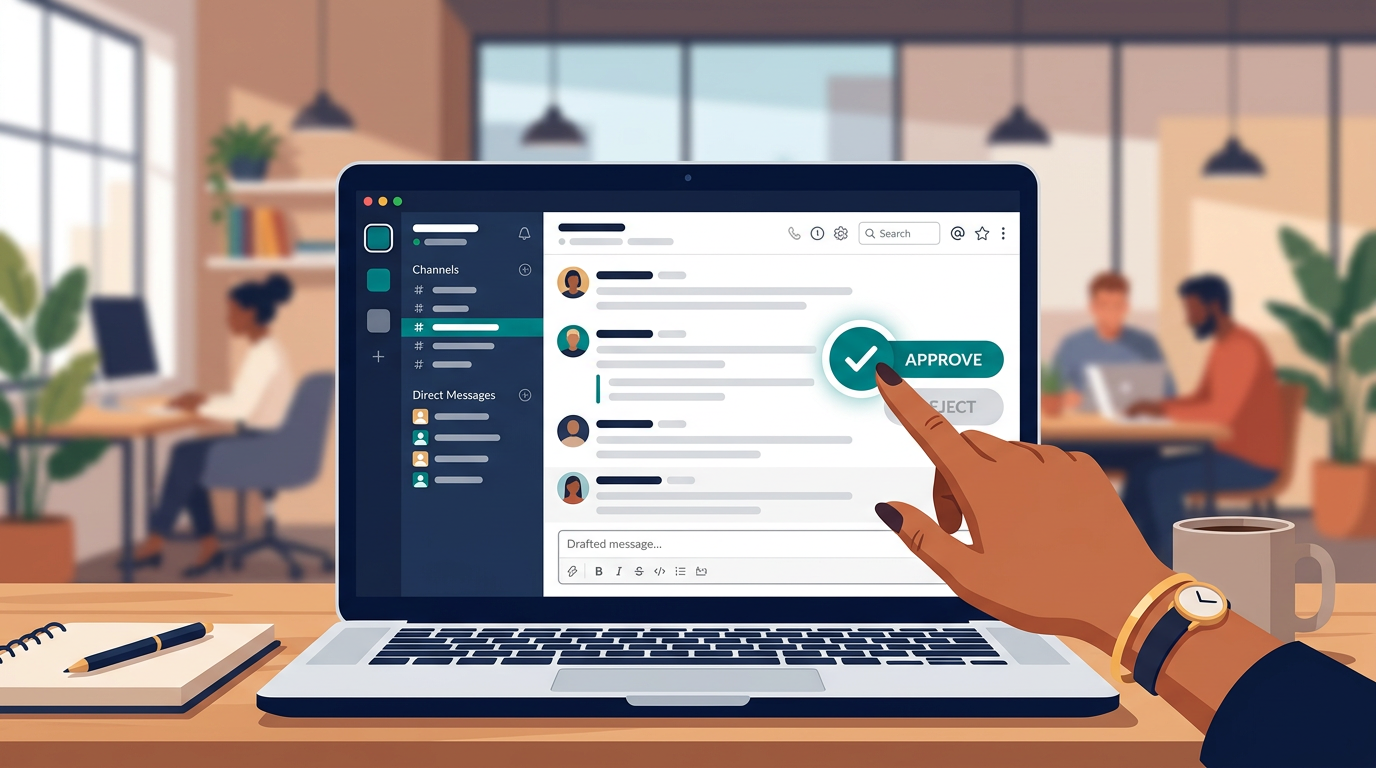
An AI employee built in GoHighLevel, the platform we build on at BayksCloud, connects to a wide range of apps through approved connections. It runs inside Slack or Microsoft Teams, where your team can see exactly what it's about to send before it goes out. It can run scheduled, recurring tasks and keep a working memory of how your business operates over time.
What it does not do is quietly plug into your ticketing platform out of the box. If you run ConnectWise, Autotask, HaloPSA, or anything else, whether an AI employee can work with it depends entirely on whether that platform offers a connection you can grant access to. We never assume that access exists. We ask, confirm it, and build from there.
This is also why AI employee vs virtual assistant for MSPs is worth reading before you decide anything. Client calls, judgment calls, and relationship management still belong to a person. Repeatable admin across connected apps is where the AI employee earns its place.
Questions to Ask Before You Turn It On
Before any MSP connects an AI employee to a system that touches client data, these are the questions we walk through on every strategy call:
Which specific apps need to be connected, and does each one actually offer an approved connection?
What exact data will the AI employee have access to, and can that access be scoped down to only what's needed?
Who reviews drafts before anything customer-facing goes out?
What happens when it gets something wrong, and how fast does a human catch it?
Is this starting with one or two channels, or is someone trying to connect everything at once on day one?
If you can't answer the first four clearly, the honest answer is you're not ready to connect anything yet. That's not a sales pitch, that's just how we'd want someone to build inside our own agency.
What Changes in Your Week Once It's Running
The table below compares what typically happens with a piece of repeatable MSP admin today versus what changes once it's connected to an AI employee running in review-first mode.

Task | Who Owns It Today | Once Connected |
|---|
Proposal follow-up | Whoever remembers to check | Drafted automatically, sent after approval |
Renewal tracking | A spreadsheet or someone's memory | Flagged on a recurring schedule |
Review requests | Often skipped after a busy close-out | Drafted when a project closes, pending review |
Weekly ops summary | An hour pulling numbers from three tools | Compiled on a schedule from connected data |
Lead triage | Checked when someone has a free minute | Sorted and flagged, drafts ready for review |
Biggest Takeaways
An AI employee for an MSP isn't a replacement for your team, and it isn't a magic fix for a messy pipeline either. It's a way to stop losing hours to admin that follows the exact same pattern every week, once the right apps are connected and someone owns the review step.
It only works on tasks that are repeatable and tied to apps you've actually connected, not on judgment calls or client relationships.
Review-first setup means nothing customer-facing goes out without a human checking it first.
Start with one or two workflows and a scoped connection, not a full rollout on day one.
At BayksCloud, we don't guess at what an MSP needs. We build the AI employee around your actual quote flow, your actual renewal cadence, and your actual client follow-up process, not a generic script. If this sounds like the admin pile sitting on your team right now, see what we actually build and how the process works before you commit to anything.
Start Your 14-Day Free Trial
Serving MSPs across South Florida and beyond, we build AI Employees trained specifically on how your business runs, not a one-size-fits-all script.
Frequently Asked Questions
What does an AI employee for managed service providers actually do?
It handles repeatable administrative work tied to apps you connect, like drafting proposal follow-ups, flagging renewals, and compiling recurring summaries, with a human reviewing anything customer-facing before it sends.
Does an AI employee replace my front desk or support staff?
No. It takes repeatable admin off their plate, but judgment calls, client relationships, and phone conversations still need a person.
Can it connect to my PSA like ConnectWise or Autotask?
Often, yes. It works with 3,200+ apps through MCP, plus custom API connections for anything else, so a PSA does not need a built-in connection. We confirm access to your specific platform before building anything, and we never assume it's available.
Does it answer phone calls for my MSP?
No, it does not place or answer calls. It operates inside Slack or Microsoft Teams, drafting and managing admin work that you review and approve.
How much does an AI employee cost for an MSP?
Cost depends on the number of workflows and apps connected. Recovering even one or two missed follow-ups or renewals typically covers the investment, which is why most owners treat it as a low-risk starting point.
Is my CRM compatible with this kind of AI employee?
Most likely. Viktor is not a GoHighLevel tool. It works with 3,200+ apps through MCP, plus custom API connections for anything else, so it can work with most CRMs. The best next step is to The best next step is to book a free consultation and walk through your specific setup.
How long does it take to get one running?
Once requirements are gathered, we typically have an AI employee live within 72 hours.
What happens if the AI employee makes a mistake?
Because it runs in review-first mode by default, drafts and actions wait for human approval before anything touches a client, which is where mistakes get caught before they go out.
Can it help with lead follow-up for an MSP's sales pipeline?
Yes, within a connected system it can sort incoming leads, flag priority, and draft a first response for your approval, which helps prevent leads from sitting overnight.
Should I start with one workflow or roll it out across the whole business at once?
Start narrow. Pick one or two repeatable tasks, connect only the apps needed, and expand once you've seen a few weeks of accurate, reviewed output.

 Eric Adjei Published on: 04/08/2026