Picture the Monday before a quarterly business review. Your best tech is two hours behind on tickets, the QBR deck is half built, a proposal from last Tuesday still has no reply, and someone just realized a client's contract renews in nineteen days. Nobody dropped the ball on purpose. There simply aren't enough hours.
That is usually the moment an MSP owner starts asking whether to hire an AI Employee. It is a fair question, and the honest answer is "maybe, after a little homework." This checklist is that homework: six checks and one short trial, so you know exactly what you're buying before anything touches client data.
The short version: before you hire an AI Employee for your MSP, name the repeatable chores, choose the apps it may touch, require a human to approve anything a client will see, narrow its data access, and give one person ownership. Skip a step and the pilot tends to fade within weeks.
Start With the Work, Not the Technology
Resist the urge to shop for features. Instead, borrow a trick from process mapping and spend one week as your own observer. Keep a pad of sticky notes at your desk, and every time someone on your team does a chore they've done the same way before, jot it down. Quote chasing. Renewal reminders. Sorting the overnight inbox. Asking happy clients for reviews. Pulling Friday's numbers together.
At the end of the week, sort the notes into two piles. Pile one holds chores with a pattern: same trigger, same steps, same output. Pile two holds anything that needs judgment, a phone call, or a read on a client's mood. An AI Employee is built for pile one. Pile two stays with your people, and that is the design, not a limitation. We make the longer case for that split in AI Employee vs Virtual Assistant: What MSPs Should Hire.
These are the six checks we run with every MSP owner. Each one has a green light, meaning you're ready, and a red flag, meaning pause and fix it first.
1. Name tasks, not departments. Green light: "Draft a nudge when a proposal has been quiet for five days." Red flag: "Handle sales admin." If you can't say when it starts and what it produces, it isn't ready to hand over.
2. Choose the apps it may touch. Green light: the data lives in a tool someone keeps current. Red flag: your renewal dates live in a spreadsheet nobody has opened since spring. Connecting an AI Employee to stale data just speeds up the wrong answers, so fix the source first or start with a different chore.
3. Plan how your PSA connects. Your PSA deserves its own conversation. Often it can be connected without a custom build, because modern AI workers plug into apps through MCP, an open standard for connecting AI tools to other software, with custom API connections as the backup for anything unusual. Either way, someone has to grant access, so find out who holds the admin rights before you promise a go-live date.
4. Give it one owner. Someone reviews drafts, nudges the tone when it drifts, and updates the instructions as your process changes. It is a few minutes a day, not a new job, but "the team" owning it means nobody does.
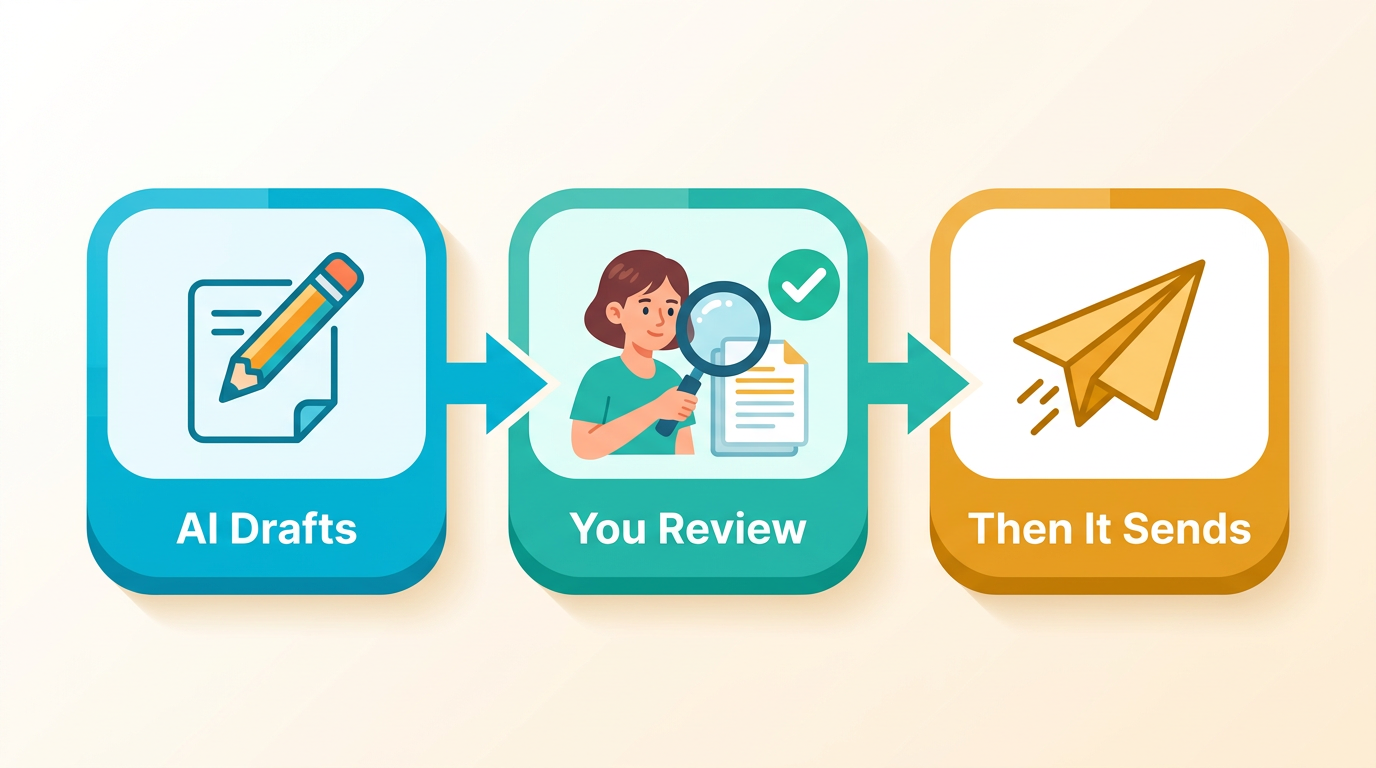
5. Make approval the default. Nothing a client will read should send without a person looking first, especially in the first weeks. Decide in advance what counts as a stop-and-ask moment, the way we describe in our guide to escalation rules.
6. Narrow the data access. Grant only what the task needs, a habit security teams call least privilege. Opening everything at once feels faster on day one and is harder to untangle on day thirty.
What an AI Employee for an MSP Actually Does Once Hired
When the six checks pass and the right apps are connected, a typical week for an IT services business looks something like this:
Monday: overnight leads are sorted, and a first reply for each waits in Slack for your approval.
Tuesday: a proposal nobody has touched in five days gets a polite nudge drafted.
Wednesday: a contract renewal that is three weeks out gets flagged to the account owner.
Thursday: a project closes, and a review request is drafted and queued for sign-off.
Friday: the weekly ops summary is compiled before the meeting, not during it.
That rhythm lives inside Slack or Microsoft Teams, so your team sees each draft before it goes anywhere. It runs on a schedule and builds a working memory of how your business operates. What it does not do is place or answer phone calls, or make pricing and judgment calls on your behalf. Those stay with your team. If you want to see where the biggest time sinks usually hide, the top workflow gaps that cost MSPs contracts is a useful read.
A 30-Day Trial Before You Commit to Anything Bigger
You don't need a company-wide rollout to learn whether this works. Treat the first month as a pilot lane with a clear shape:
Week one: connect a single app and two chores, drafts only. Week two: score every draft as "sent as is," "light edit," or "rewritten." Week three: tighten the instructions where the rewrites cluster. Week four: decide whether to widen the scope or hold. Notice, too, whether anything that used to slip through the cracks got caught this time.
If the scores are good, widen carefully, perhaps toward lead follow-up and client acquisition. If some chores still need a person's judgment, that's useful information, not a failure. Most MSPs we work with end up running an AI Employee alongside their team rather than instead of it.
Checklist Summary
Use this scorecard to see whether you're ready to start or have a step to fix first.
Check
Ready when
Pause if
1. Name the tasks
You can finish the sentence "draft a nudge when..."
You're still saying "sales admin"
2. Pick the apps
The data lives in a tool someone keeps current
Key dates live in an abandoned spreadsheet
3. Check the PSA path
You know who can grant access
You're assuming it will simply work
4. Assign an owner
One named person reviews drafts weekly
"The team" owns it, so nobody does
5. Default to approval
A human sees every client-facing draft first
Anything sends automatically on day one
6. Narrow the access
It sees only what the task needs
It gets the keys to everything at once
Biggest Takeaways
Hiring an AI Employee isn't one big purchase decision. It's a short sequence: find the chores that repeat, decide which apps it may touch, and make sure a named person is watching the output.
Start from the chores your team repeats, not from a department-wide automation plan.
Settle app connections and PSA access before you build a workflow that depends on them.
Human approval and narrow data access are what turn a pilot into something you can trust enough to expand.
At BayksCloud, we walk every MSP through this exact checklist before building anything, because an AI Employee built on guesses helps nobody. When you're ready to sketch what yours would look like, try it below.
Think of it as a worker that lives inside the apps you already use. It handles the recurring chores, like nudging a quiet proposal, flagging a renewal, or pulling together a weekly summary, and it posts its work in Slack or Microsoft Teams so a person can approve anything a client will see.
Do I need technical skills to hire one for my MSP?
No coding and no engineering project. What you do need is clarity: which apps it may touch, and which handful of chores you want off your team's plate first. We handle the setup.
Can it work with my PSA out of the box?
Often, yes. Viktor works with 3,200+ apps through MCP, plus custom API connections for anything else, so a PSA doesn't need a built-in connection. We confirm access to your specific platform before building anything, and we never assume it's available.
What's the first task most MSPs start with?
Chasing quiet proposals and tracking renewals. Both follow a clear pattern, and the data usually already sits in a CRM or billing tool.
How long does hiring and setting one up take?
Once we have your requirements, we typically have an AI Employee live within 72 hours.
Does it replace my front desk or sales team?
No. It takes the repetitive chores off their desks so they can spend their time on client calls and the judgment calls that still need a person.
Eric Adjei|AI & Digital Marketing Strategist and Business Coach|
Eric Adjei is an AI & Digital Marketing Strategist and Business Coach with over 20 years in the IT and digital marketing space, and founder of BayksCloud Consultants LLC - a digital marketing agency in the Miami–Fort Lauderdale metro area, South Florida. He specializes in helping Managed IT Services (MSPs), Medical Spas (Medspas), and HVAC companies replace manual operations and missed leads with AI employees, intelligent CRM systems, and digital marketing strategies that work around the clock.

 Eric Adjei Published on: 04/08/2026